
by James Stegall

How often do you escape doomscrolling, capture the spark of an idea, then find time to write only to open your laptop to a buzz of distractions?
Restart to update Word. Here’s a tool tip. Please rate our app. Copilot can rewrite that for you!
Did you forget what you wanted to write?
Sure, handwriting is an option, but you need to maximize available time. It would be nice to write on a device that doesn’t actively get in the way.
You’re not alone. In response to this swarm of digital mosquitoes, writers and tinkerers have started building their own devices they call writer decks.
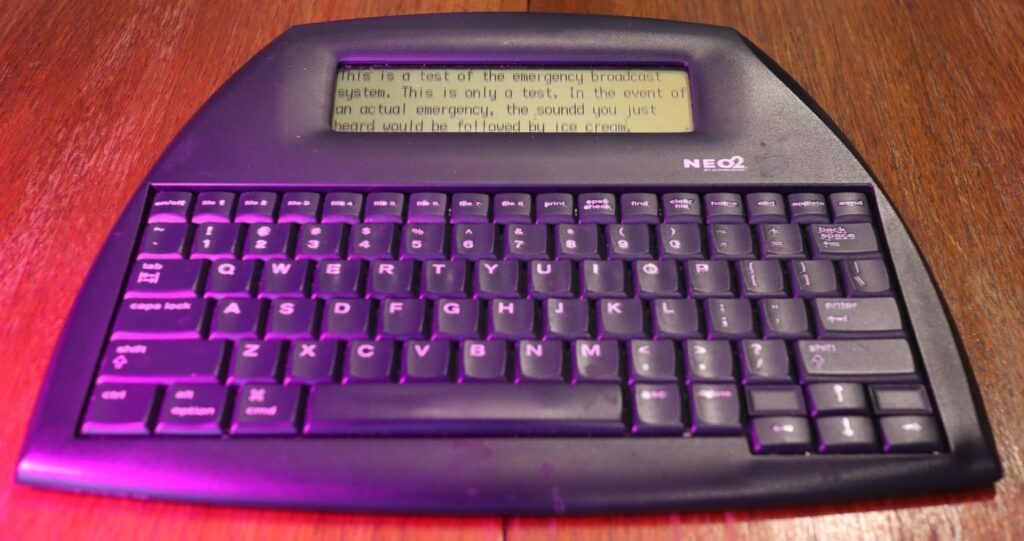
The goals of a writer deck are simple: get to the cursor as fast as possible, long battery life, usable screen, and the ability to easily save and move files. Portability, ergonomics, keyboard quality, and personal style also play big roles. A writer deck is for enabling flow state, not editing.
The name writer deck evolved from building cyberdecks, a hobby paying homage to the history of computing, while imagining alternate timelines of industrial design.While cyberdecks can be more for art than utility, writer decks are designed for productivity. They can be purpose-built or be a repurposed old laptop with reduced connectivity, or a commercial device made for instant-on word processing.
On reddit.com/r/WriterDeck, newcomers ask “Why?” so often that it’s become an inside joke. Why not just use your laptop? Why not just turn off the Wi-Fi? Why not tap into your endless reserve of discipline to crank out words when the whole world wants to get inside your head? The answer can be frustration, the hunt for better tools, accessibility, a desire to express yourself through your devices, or reduce carbon footprint by using an older device as long as possible. It could also be reclaiming headspace in an increasingly hostile software environment or a desire to protect your work from a future where platforms lock it behind a subscription or incompatible file types.
Getting Started
Many newcomers start with devices in their drawers and closets. The most basic writer deck can be an old phone in airplane mode running Word or Google Docs on an adjustable stand, paired with a Bluetooth keyboard. The upside of this setup is keyboard customization, ergonomics, and simply getting started. Breaking out of the standard shape of a PC to write with a keyboard on your desk and the screen at eye-height can be a game changer for accessibility.
Older Laptops
Any older laptop with a USB port can make a great writer deck. The oldest don’t even have Wi-Fi, which is ideal.
The Achilles’ heel of most laptops is the battery. Remove it completely, making the device lighter, and use a 100-watt portable battery designed for laptops, with a USB-C to DC power jack adapter available at many retailers.Your laptop probably still has Microsoft Word. Or other word processors can be found on archive.org. Don’t let tinkering with the laptop get in the way of using it as a writing device though. Notepad will do the job and save to a USB stick.
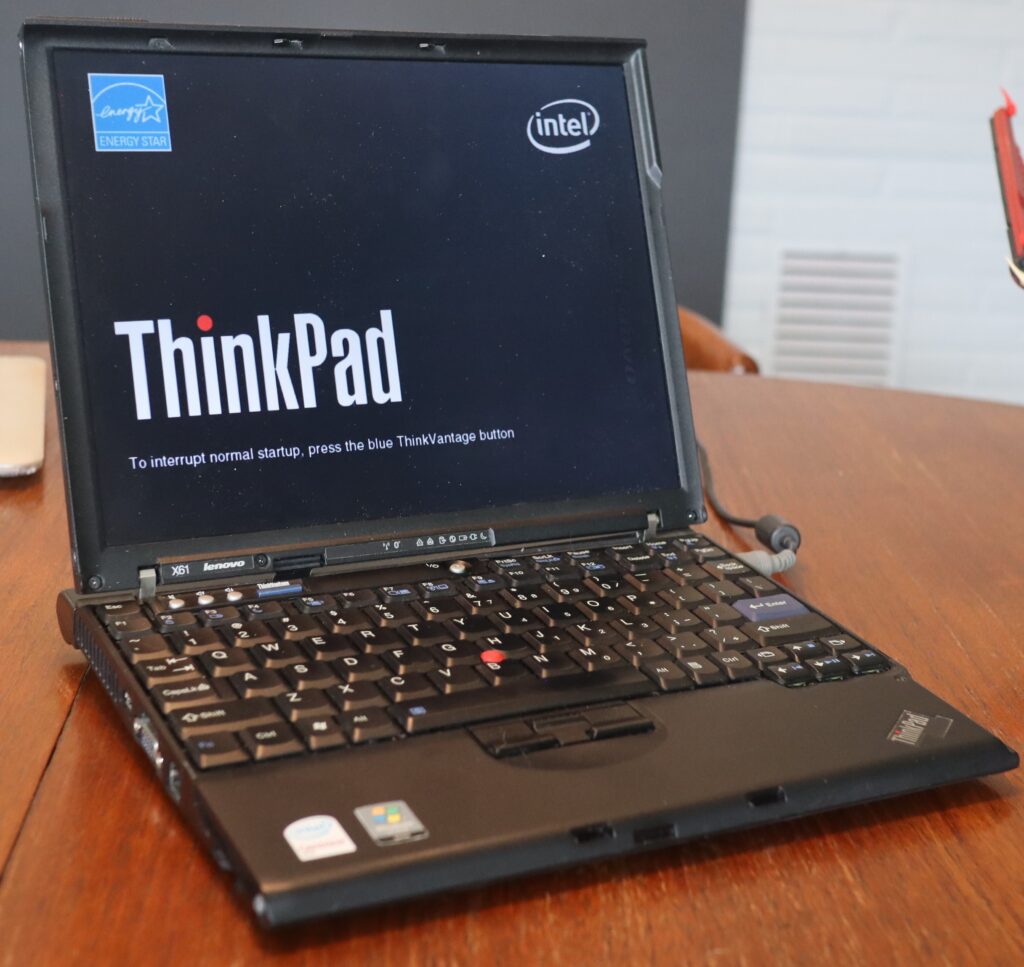
A warning: Remember that older devices don’t autosave. Get in the habit of pressing CTL-S on PC or CMD-S on a Mac every few minutes. Save everything to a USB stick for easy transfer. If you’re feeling adventurous, replace the old spinning hard drive with an inexpensive SATA SSD to really speed things up.
It can be fun to repurpose a cool older laptop with early 2000s design language and hand-friendly curves. While some keyboards are unequivocally terrible, others can be much nicer than the standard chiclet keyboard on today’s machines. And without all the cloud bloat in modern operating systems, an older CPU with limited RAM is often snappier than expected.
If you don’t have an older laptop, a user on /r/WriterDeck has developed an OS on a USB stick that boots to a simplified desktop for distraction-free writing. Another option is MicroJournal for PC.
Off-the-Shelf
Ready-made writer decks probably started with the AlphaSmart, but now companies like Astrohaus serve the niche. Their Smart Typewriter, Traveler, and Alpha devices offer e-ink screens, cloud syncing, and long battery life. The boutique nature of these products are reflected in the prices though.
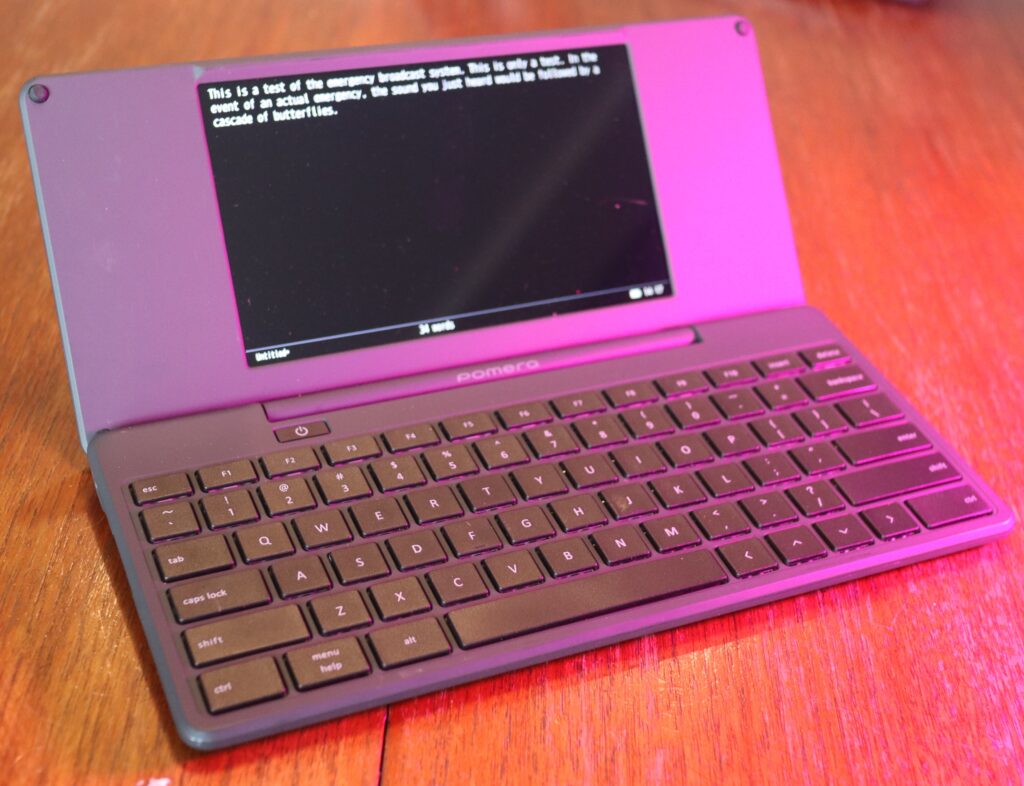
As AlphaSmart devices disappear from secondary markets, more commercial products are available every day. Kickstarter has enabled devices such as the Zerowriter, BYOK (Bring Your Own Keyboard), and Pomera D250 with US Keyboard. E-ink tablets are also growing more popular and offer long battery life and screens free of blinking distractions.
DIY
The popularity of the Raspberry Pi single board computer has greatly lowered the barrier to entry on building your own writer deck. Most projects are open source with build guides on GitHub. YouTube, Hackaday Reddit, and WriterDeck.org also have resources to get started. Members of the writer deck community love to see builds in progress and enjoy offering thoughts on case design, hinge operation, power management, and whatever else makes the device work.
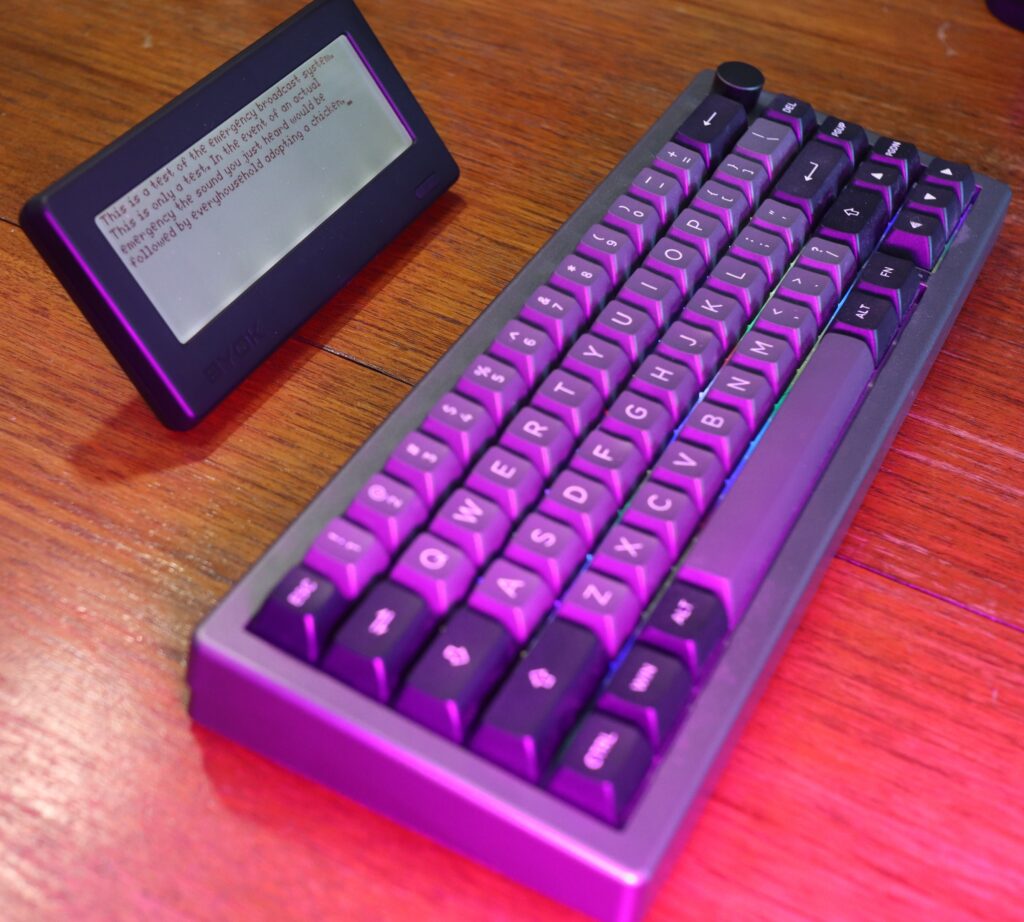
The key behind a great build is to think of the drafting device as a tool that serves you, and mod it any way you like. Clamshell cases, chunky typewriter styles, ultra portable or alternate materials like wood, leather, or metal are all fair game.
Personal Style
Whether you decide on an older laptop or build your own, the best feature of writer decks is personality. Writers love to decorate their decks with stickers, paint, fuzzy fabrics, or custom keyboards to make them a joy to work on. The goal is to create a device that inspires you and doesn’t get in the way of creation.
Sounds like fun? Time to check the closets for old tech and get some work done.
Explore more articles from Writing by Other Means
 James Stegall is a member of SFWA. Writing as James S. Aaron, he is the author of the Aeon 14: Sentience Wars and Galactic Law series. His novel Retreat Hell is coming in 2026 from Aethon Books. He lives in Oregon and likes doing dad things, tinkering, digging in the yard, riding bikes and reading. Learn more at jamesaaron.net.